Your own community app on your smartphone in seconds
How is that possible?
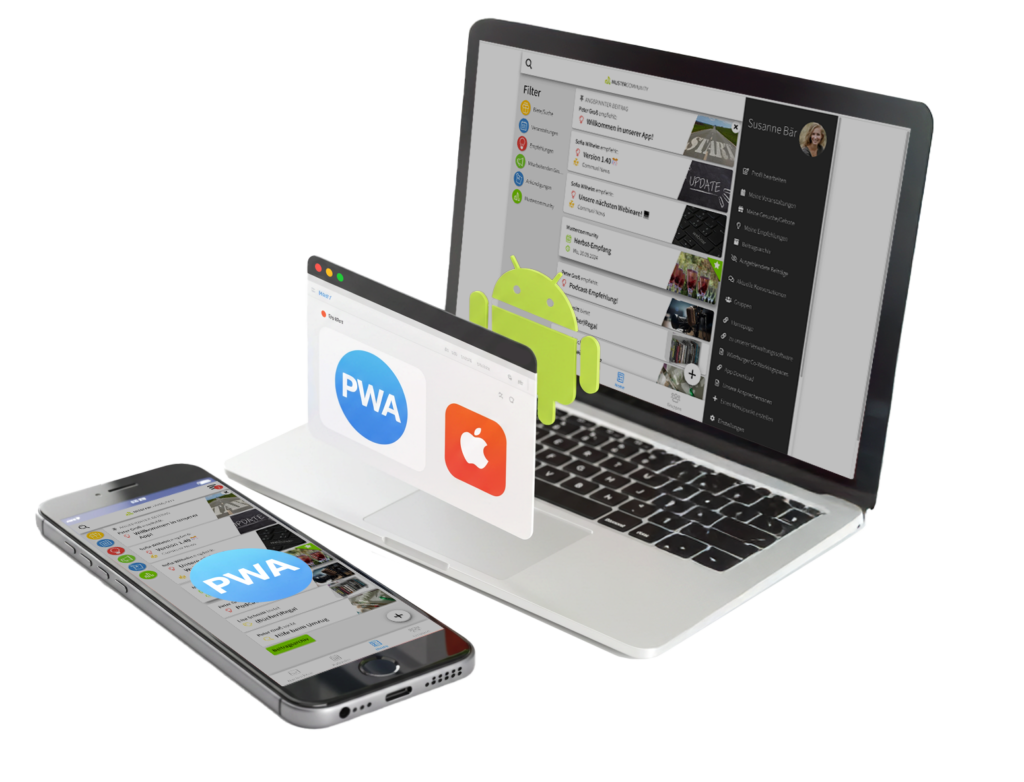
Your own community app is now also available as a so-called PWA (Progressive Web App). This technology offers you several major advantages:
No installation required
full-fledged app
uses hardly any storage space
Usable independently of the app stores
The „feeling of a real“ app is now available very quickly and easily for your community app.
How do I use a PWA?
Quite simply: a PWA is accessed and installed via your browser, just like a website.
1. To do this, visit your app at https://nameofyourapp.communiapp.de or Create a new app.
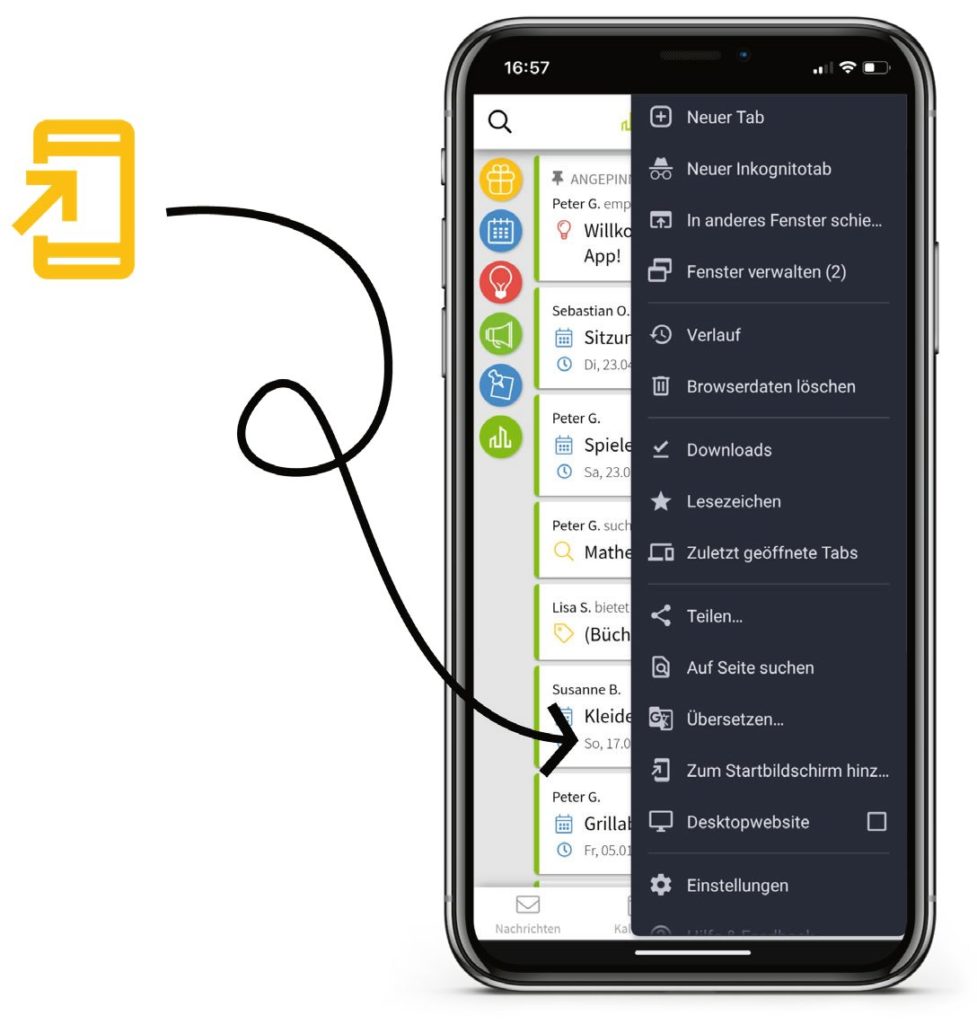
2. Next, select the "Share" button on iOS and the "Menu" on Android.
3. Select „Add to Home Screen“ on iOS or „Add to Home Screen“ on Android.“
4. Choose a name for the app and you're done 🙌
VAdvantages for the users
Calculate price
As a user, you benefit from the PWA in the following ways:
No installation required
full function
uses hardly any storage space
Usable independently of the app stores
No updates required
VAdvantages for the organization
As a municipality, community or association, you can benefit from the PWA in the following ways:
No App Store accounts required (saving costs and time)
Fast deployment when you create a new app
Users adapt faster
New features available faster
NNo dedicated community app?
Start now
Create in just three easy steps for free Your own community app for your community. Ideal for:
Community
municipality
Association
organization
How others start
„"That sounds way too complicated for me," I thought when I first heard about the possibility of creating our own app for our church. But I wanted to at least give it a try – after all, I had nothing to lose…